

 You are here for Splunk Core Certified Power User. The course covers two exams: SPK-101 (Core User, Modules 1 to 13) and SPK-102 (Power User, Modules 14 to 26). Use the SPK-101 and SPK-102 switch in the sidebar to change between them. Labs and playgrounds run in the IP Lab Portal. Homework goes to MyIP Portal, not here.
Your instructors
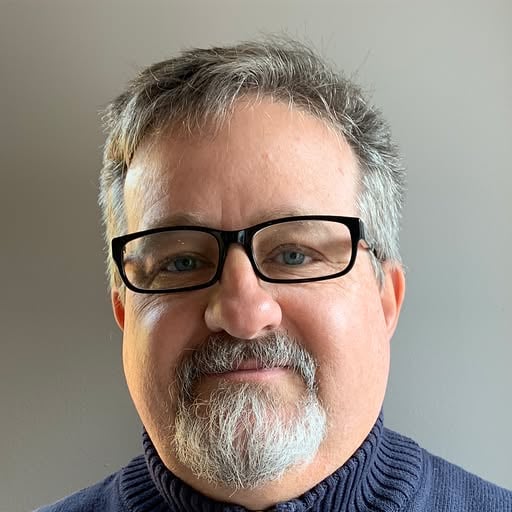
Tim EulerSplunk instructor
Tim teaches the Weekend · IAD1-A and Evening · IAD1-B cohorts.
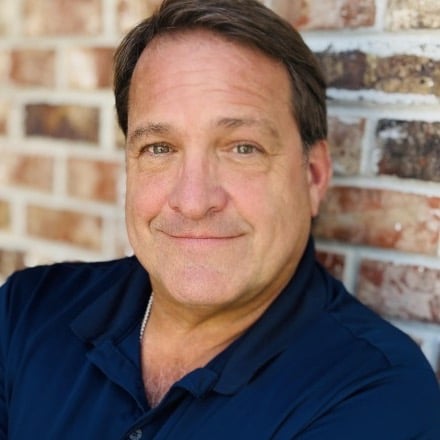
Joel DuhonSplunk instructor
Joel teaches the Weekday · IAD1-B and Weekend · IAD1-B cohorts.
What you’ll walk away with
Searching with confidenceHow Splunk indexes data, how to write SPL, and how to keep searches fast.
Reports, dashboards, and alertsTurn a search into something your team checks every morning.
22 guided labsEach module page links to its lab. Launch it in the IP Lab Portal and do the steps as admin.
Playgrounds of your ownRun Splunk empty or with the course data for 1, 2, or 4 hours. See labs and playgrounds below.
Knowledge objectsFields, lookups, tags, event types, macros, workflow actions, data models, and the CIM.
Two exams, new codesSince Cisco acquired Splunk, the exams are SPK-101 and SPK-102. Older guides say SPLK-1001 and SPLK-1002.
Labs and playgrounds
Every lab and playground runs in the IP Lab Portal. You sign in to Splunk as admin. Open the IP Lab PortalGuided labs
Each lab takes about 45 minutes on its own Splunk machine. Open a lab page from your module in the sidebar, then click Launch. Starting a lab counts as an attempt.Playgrounds
A playground is a Splunk machine of your own to explore freely. Pick a run time of 1 hr, 2 hr, or 4 hr. It shuts down automatically when the time is up.Playground
Splunk (empty)
Playground
Splunk with data
Run time
1, 2, or 4 hours
Who is it for?
 Engineers
 Builders
 Cloud architects
 DevOps
 Cloud engineers
 Software engineers
 Developers
80% of who it’s for
20% of who it’s for
Ground rules
No question is too dumbIf you are wondering it, three other people in the room are too. Ask.
Interrupt me wheneverThis is a workshop, not a webinar. Stop me the moment something does not click.
Do the labsReading is not the same as clicking. Use the IP Lab Portal. Submit homework in MyIP Portal.
How to move through the material
01Open the moduleEach module has its own section in the sidebar. Module N Material holds the slides. Start with the course introduction.
02Do the labThe lab page under the module says what you will do. Click the launch button to open it in the IP Lab Portal.
03Sit SPK-101, then SPK-102Finish Modules 1 to 13 for SPK-101. Modules 14 to 26 prepare you for SPK-102.